
You may be a plant engineer scoping a storage problem, an operations manager facing a picking bottleneck, or a buyer drafting an RFQ (request for quotation, a document that asks providers to price a defined scope). Whatever your role, the decision usually turns on three things: which functions to automate, how the new equipment connects to the systems you already run, and what the full cost looks like beyond the equipment line. The safety rules that govern a warehouse floor stay in force whatever equipment is installed.
Warehouse automation uses equipment, controls and software, such as conveyors, automated storage, mobile robots and warehouse management systems, to move, store, sort, track and retrieve goods with less manual handling. Material handling is the wider discipline of moving and controlling materials. A project pairs the right equipment with your volumes, building and existing systems.
On this page
- Key Points About Warehouse Automation and Material Handling
- Facilities and Operations Where Warehouse Automation Fits
- How Warehouse Automation and Material Handling Systems Work
- Warehouse Automation Equipment and System Options
- How to Evaluate a Warehouse Automation Provider
- What Drives the Cost of a Warehouse Automation Project
- When Warehouse Automation Is Not the Right Fit
- Questions to Ask Before Committing to a Warehouse Automation System
- Frequently asked questions
- Sources
Key Points About Warehouse Automation and Material Handling
- Four broad automation types. Fixed (hard), programmable, flexible (soft) and integrated automation each suit a different balance of volume and variety, and none ranks above the others.
- Hazards OSHA names for warehousing. OSHA's Warehousing page lists potential hazards associated with forklifts, ergonomics, material handling, hazardous chemicals, slip/trip/falls and robotics. It states that the most common injuries are musculoskeletal disorders, mainly from overexertion in lifting and lowering, and being struck by powered industrial trucks and other materials handling equipment. The same page states that its National Emphasis Program on Warehousing and Distribution Center Operations applies OSHA-wide and that inspections under the updated program began July 31, 2026.
- The employer's general duty. Under 29 U.S.C. § 654, each employer must furnish employment and a place of employment free from recognized hazards that are causing or are likely to cause death or serious physical harm, and must comply with occupational safety and health standards. Each employee must comply with the standards, rules, regulations and orders that apply to his or her own actions and conduct.
Facilities and Operations Where Warehouse Automation Fits
Automation tends to fit operations whose work is repetitive, steady and dense. Operational signs of a candidate facility include:
- High SKU (stock-keeping unit) counts that make manual location tracking error-prone.
- Repetitive pick-and-place tasks performed the same way many times per shift.
- Multi-shift operations, where equipment can run across more of the day.
- Space constraints that push storage upward into vertical systems.
- Difficulty staffing manual handling roles.
Facility types where these conditions appear include distribution centers, fulfillment centers, manufacturing plants with in-process storage between operations, cold-storage warehouses, and parts and components stores that feed assembly lines.
Not every facility benefits from full automation, and some profiles are a weaker match; those are set out under when automation is not the right fit. Partial or phased automation is a distinct option: one function, such as storage or sortation, is automated first while the rest of the operation stays manual or follows later.
How Warehouse Automation and Material Handling Systems Work
A warehouse automation system works in three functional layers: physical equipment, controls and software. Each layer depends on the one beneath it.
Step 1: Physical equipment moves and stores the goods
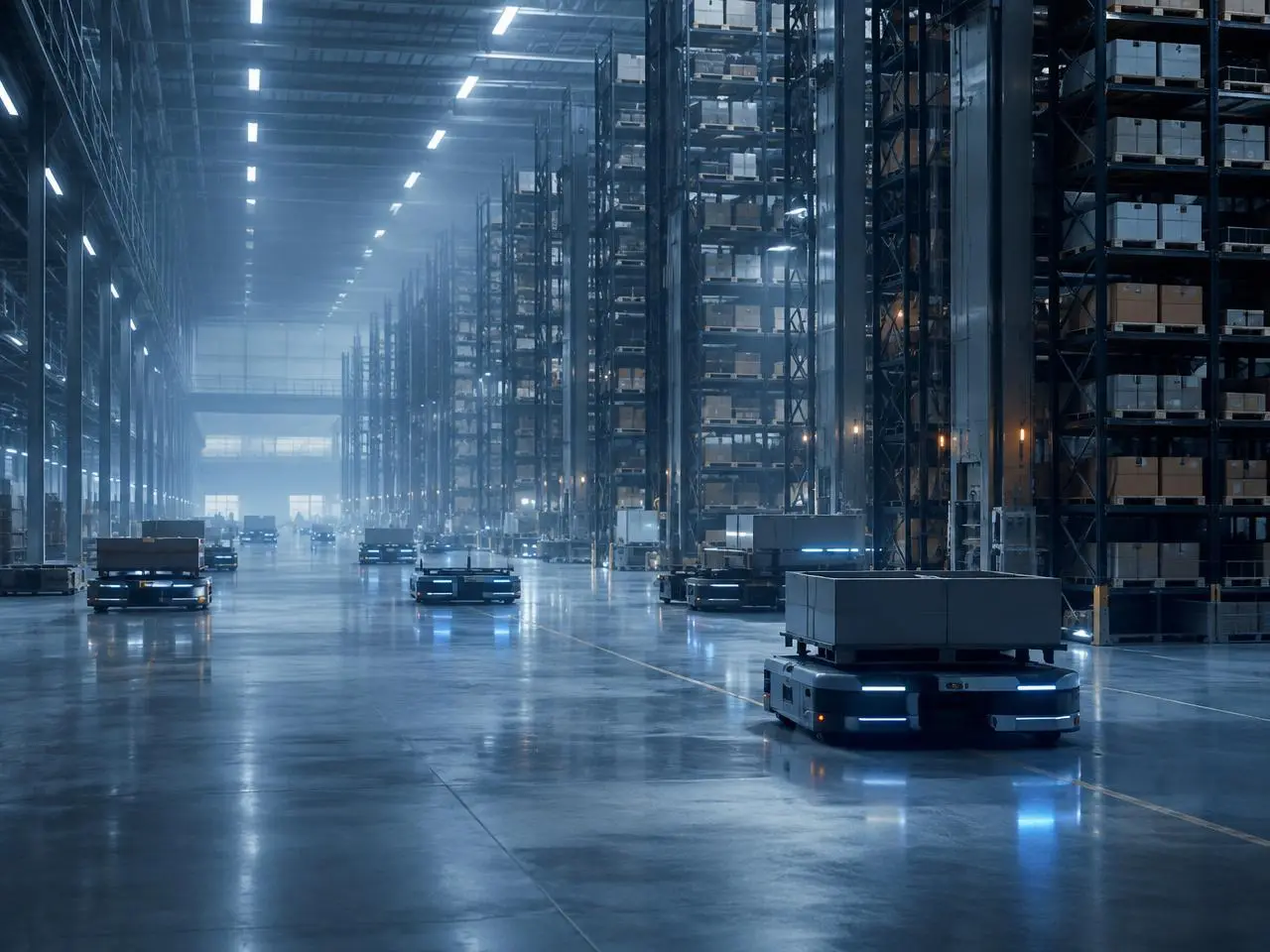
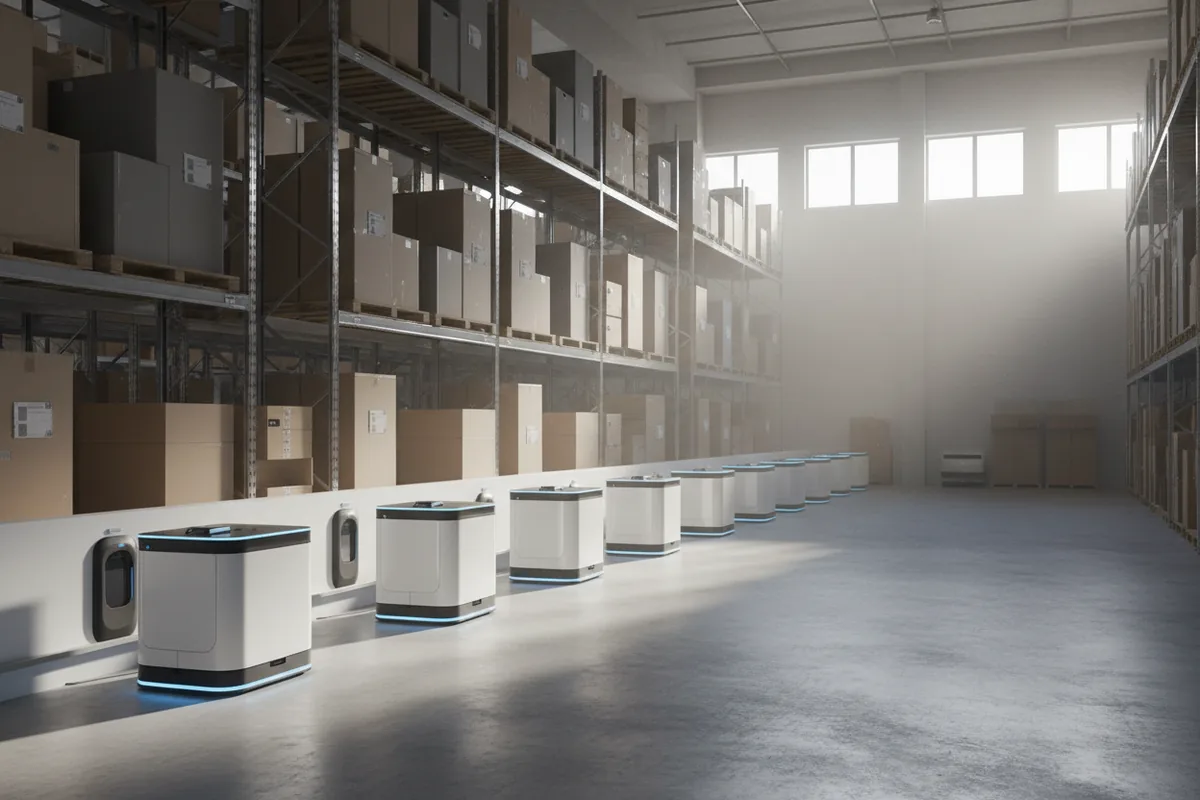
Conveyors, robots, storage systems and forklifts do the physical work. AMRs (autonomous mobile robots) navigate using onboard sensors and facility maps and plan their own routes around obstacles. AGVs (automated guided vehicles) follow fixed paths set by floor markers, embedded wires or ceiling targets. AS/RS design and conveyor layout are each distinct specializations, and the integrators who focus on them form their own part of the supplier field.
Step 2: The controls layer commands the equipment
A PLC (programmable logic controller) is an industrial computer that reads sensors and switches motors, diverters and actuators according to its program. A WCS (warehouse control system) sits above the PLCs. It coordinates real-time commands across equipment, for example telling a sorter which lane a carton goes to or sending a robot to a pick face.
Step 3: The software layer decides what should happen
A WMS (warehouse management system) manages inventory logic and order fulfillment rules: where stock is located, which orders release, and in what sequence picking happens. The WMS decides what needs to move. The WCS turns that decision into equipment commands. The WMS in turn exchanges data with an ERP (enterprise resource planning system, the business system for orders, purchasing and finance) and, in a plant, with an MES (manufacturing execution system, which tracks production on the floor).
Step 4: People and forklifts work alongside the automation
Forklifts can remain part of a mixed-automation environment. OSHA's Powered Industrial Trucks page states that employers must ensure each powered industrial truck operator is competent to operate a truck safely, as demonstrated by successfully completing the training and evaluation specified in 29 C.F.R. § 1910.178(l)(1). Under 29 C.F.R. § 1910.178(g), battery charging installations are located in areas designated for that purpose. A conveyor, overhead hoist or equivalent material handling equipment is provided for handling batteries. Facilities are provided for flushing and neutralizing spilled electrolyte, for fire protection, for protecting charging apparatus from damage by trucks, and for ventilation to disperse fumes from gassing batteries.
Warehouse Automation Equipment and System Options
Each equipment category solves a different handling problem, so the useful starting question for your own facility is which problem sits at the center of the project. Is it moving goods between points, storing more in less space, or deciding what moves when? The answer narrows the field quickly.
Conveyors and sortation. If the challenge is flow, meaning many items traveling the same routes, conveyors are usually where the conversation begins. Where cartons and loose items need to travel steadily from one area to another, belt conveyors carry them on a continuous surface. Where downstream stations run at a different pace, roller conveyors help: they move flat-bottomed cartons and totes and can hold them in queues. Where floor space is already committed to other work, overhead conveyors carry hanging goods or parts above it. And where a flow ends in many destinations, cross-belt sorters send items onto small perpendicular belts that discharge them into destination chutes. Because conveyors have moving parts close to people, guarding is part of the design from the start: under 29 C.F.R. § 1910.212, one or more methods of machine guarding must be provided to protect the operator and other employees in the machine area from hazards such as those created by point of operation, ingoing nip points, rotating parts, flying chips and sparks.
AS/RS. When space is the constraint, automated storage is the usual answer, and the choice among types comes down to what is stored and how often it is needed. A facility storing full pallets can look at unit-load systems, which hold them in tall racking served by cranes. One handling totes and cartons tends toward mini-load systems. Where operators pick small parts at a station, vertical lift modules (VLMs) bring trays to a fixed opening, and carousels rotate bins to the picker. The broad trade-off is that denser systems give up some retrieval flexibility for storage density, while systems that present goods directly to the operator favor access.
Cobots. Some operations have a single repetitive motion, such as pick-and-place or palletizing, that wears on people but does not justify redesigning the whole area. A collaborative robot (cobot), an industrial robot arm designed to work near people, can take on that one task while people and machines share the same space.
Machine vision. When goods arrive with labels and barcodes that must be read, items that need inspection, or sortation that depends on identifying each piece, machine vision fills the gap. It uses cameras and image-processing software and often acts as the "eyes" that let conveyors and sorters route goods correctly.
IIoT. For an operation that loses time to inventory uncertainty or unplanned equipment stops, the Industrial Internet of Things (IIoT) connects sensors and equipment to networks so their data can be collected and analyzed. In warehousing, that data supports real-time inventory tracking and predictive maintenance, which flags equipment wear before a failure turns into downtime.
Two of the most common choices involve a trade-off between flexibility and predictability: AMR versus AGV for transport, and where warehouse software should live. The comparison sets them side by side.
| Option | How it moves or decides | Infrastructure it relies on | Flexibility to change |
|---|---|---|---|
| AMR | Navigates dynamically with onboard sensors and maps | Facility map and network | Can be redeployed without infrastructure changes |
| AGV | Follows fixed paths | Floor markers, wires or ceiling targets | Path changes involve the infrastructure |
| Standalone WMS | Full inventory and fulfillment logic | Its own server or hosting, links to ERP | Fits operations with complex warehouse logic |
| WMS module within an ERP | Warehouse functions inside the business system | The existing ERP | Fits simpler flows tied closely to ERP data |
| WCS-only deployment | Real-time equipment commands | An existing WMS or ERP that supplies orders | Fits adding equipment beneath software already in place |
How to Evaluate a Warehouse Automation Provider
Provider evaluation starts with scope, because a gap in scope turns into a gap in responsibility. These criteria give a structure for comparing integrators and equipment suppliers:
- Scope definition. Confirm whether the provider covers mechanical, electrical, controls, software and commissioning (the startup and testing that brings a system into service), or names in writing what it subcontracts.
- Integration capability. Ask how the system connects with your existing WMS, ERP or MES. Request a list of the integrations the provider has completed or supports, and ask what API (application programming interface) or middleware the connection requires.
- Safety approach. Ask how the proposal addresses the warehousing hazards OSHA lists and the powered industrial truck requirements of 29 C.F.R. § 1910.178. OSHA's Powered Industrial Trucks page links OSHA's truck requirements and its eTool on them. Ask, too, how maintenance access is designed. 29 C.F.R. § 1910.147 covers the servicing and maintenance of machines and equipment where unexpected energization or startup, or release of stored energy, could cause injury, and it requires employers to establish a program and procedures for lockout or tagout devices.
- Commissioning and acceptance testing. Ask what the acceptance test protocol covers and who signs off on it.
- Ongoing support. Ask what response commitments, spare-parts availability and software update terms the contract states.
- References. Ask for references from facilities with similar throughput profiles, SKU counts and existing system environments.
A proposal that does not address integration with existing systems, or a contract that does not define acceptance criteria, leaves an open point. The buyer and the provider can resolve it before signing.
What Drives the Cost of a Warehouse Automation Project
The provider's written proposal or quote states the project cost, but the number itself is mostly a reflection of scope. Two facilities buying the same type of equipment can see very different figures because of the factors around it:
- Facility size and layout. Longer travel distances and more zones served mean more equipment and more controls.
- Throughput requirements. The volume the equipment is sized to handle sets how much capacity is being bought.
- SKUs. The number and type of items, including dimensions, weights and packaging, determine how specialized the handling has to be.
- Integration depth. The more the system has to exchange with existing WMS, ERP and MES software, the more engineering sits behind it.
- Infrastructure readiness. Floor condition, power and network either support the system as they are or need work first.
- Shifts and labor targets. The number of shifts and the labor displacement targets the design is built around shape how much the system is expected to do.
It also helps to separate two kinds of cost. Capital expenditure covers the equipment, installation and commissioning. Ongoing operational costs cover maintenance contracts, software licensing, operator training and spare parts. Total cost of ownership (TCO) brings both together as the full cost of a system over its working life, including integration, training and support costs that may not appear in an equipment quote. Comparing proposals on TCO rather than on equipment price alone can show where two offers actually differ.
Phasing is a related trade-off. A phased implementation spreads capital outlay across stages, but each phase may carry its own integration and commissioning work, so per-phase integration costs can run higher than a single build.
When Warehouse Automation Is Not the Right Fit
Automation is unlikely to deliver value under some conditions, and recognizing them early protects both budget and operations:
- Very low or highly seasonal throughput. Equipment that sits idle much of the year may not justify its capital cost.
- Highly variable product dimensions or weights. Items outside the handling envelope of standard automated equipment may still need people or forklifts.
- Structural limits. Ceiling height, floor load rating or column spacing may not accommodate the chosen system without prohibitive civil work.
- Fast-changing product mix or order profile. A system can fall behind when changes arrive faster than its reprogramming or reconfiguration cycle.
- Short remaining lease or a planned move. A compressed stay shortens the period over which capital cost is recovered.
Partial automation, which automates one function while leaving others manual, is a distinct and often workable route. Examples include a VLM for small parts, a sorter at shipping, or AMRs on a single transport loop. Where only part of your operation matches these profiles, a narrower scope may fit better than a full system.
Questions to Ask Before Committing to a Warehouse Automation System
These questions cover scope, safety, integration and contract terms. Each one is worth raising with every provider in the same words, so the answers can be compared directly.
- What is the system's defined throughput envelope, and how was it calculated? The answer shows which data and assumptions the design rests on.
- How does the system integrate with the current WMS, ERP and MES, and who is responsible for that integration? A named owner for each interface prevents gaps at handover.
- What operator training does the provider supply, and how does it relate to the powered industrial truck operator requirements of 29 C.F.R. § 1910.178? The employer remains responsible for operator competence under that standard.
- What are the acceptance test criteria, and what remedies does the contract provide if the system does not meet them at commissioning? Written criteria turn "working" into something measurable.
- What does the maintenance and support contract cover, and what are the spare-parts lead times for critical components? Downtime exposure often sits in these terms.
- How does the proposal address OSHA's listed warehousing hazards and the facility's own hazard profile? A generic safety section says less than one written for your site.
The usual next practical step is pulling together current throughput and order data, up-to-date floor plans, and documentation for the systems already in place, so an RFQ describes the real operation rather than an estimate of it.
Independent referral
Your next project deserves a clearer starting point.
Describe your requirements. Where there is a fit, we may introduce you to relevant providers.
Industrial Technology Exchange
How the independent referral process works
- DescribeSubmit a short inquiry describing your project, facility and timeline.
- ReviewWe review the inquiry for clarity and fit. Incomplete or out-of-scope requests may not be referred.
- ConnectWith your consent, relevant third-party providers may contact you. You decide whether to engage.
Testimonials
Frequently asked questions
Which equipment is used in warehouses?
Common equipment includes forklifts for pallets, conveyors and sorters for routing items, AS/RS for automatic storage and retrieval, AMRs and AGVs for driverless transport, cobots for picking and palletizing, and a WMS to direct inventory and order flow.
What are the four types of automation?
Fixed (hard) automation handles high-volume, low-variety tasks, such as a dedicated sortation line. Programmable automation runs batches with changeable programs. Flexible (soft) automation handles varied products without reprogramming downtime, as AMRs do. Integrated automation combines several types under a unified control layer, typically a WCS directed by a WMS.
What is the difference between an AMR and an AGV?
The difference comes down to how each finds its way. An AMR plans its own routes using sensors and maps, so it can move to a new task without physical changes to the building. An AGV runs on fixed paths, which makes its routes predictable but ties any change to the floor or ceiling guidance.
What does a warehouse management system (WMS) do?
A WMS handles the inventory and order side of a facility, including receiving, putaway, picking and shipping. It decides what should happen, while a WCS tells the equipment how to carry it out. Some ERP platforms include WMS modules.
What are the OSHA requirements for forklifts in a warehouse?
OSHA's Powered Industrial Trucks page states that employers must ensure each operator is competent, as demonstrated by successfully completing the training and evaluation specified in 29 C.F.R. § 1910.178(l)(1). The same standard also sets rules for battery charging areas. OSHA's page links its full truck requirements.
What is total cost of ownership (TCO) for a warehouse automation system?
TCO covers capital costs, meaning equipment, installation and commissioning, together with ongoing costs: maintenance contracts, software licensing, operator training, spare parts and integration support. The provider's written proposal states the project cost.
When does warehouse automation not make sense?
It tends to struggle where volume is too low or too seasonal, where items vary widely, where the building cannot support the system, where the product mix outpaces reconfiguration, or where the stay in the facility is short. Automating a single function can still work in those cases.